alexander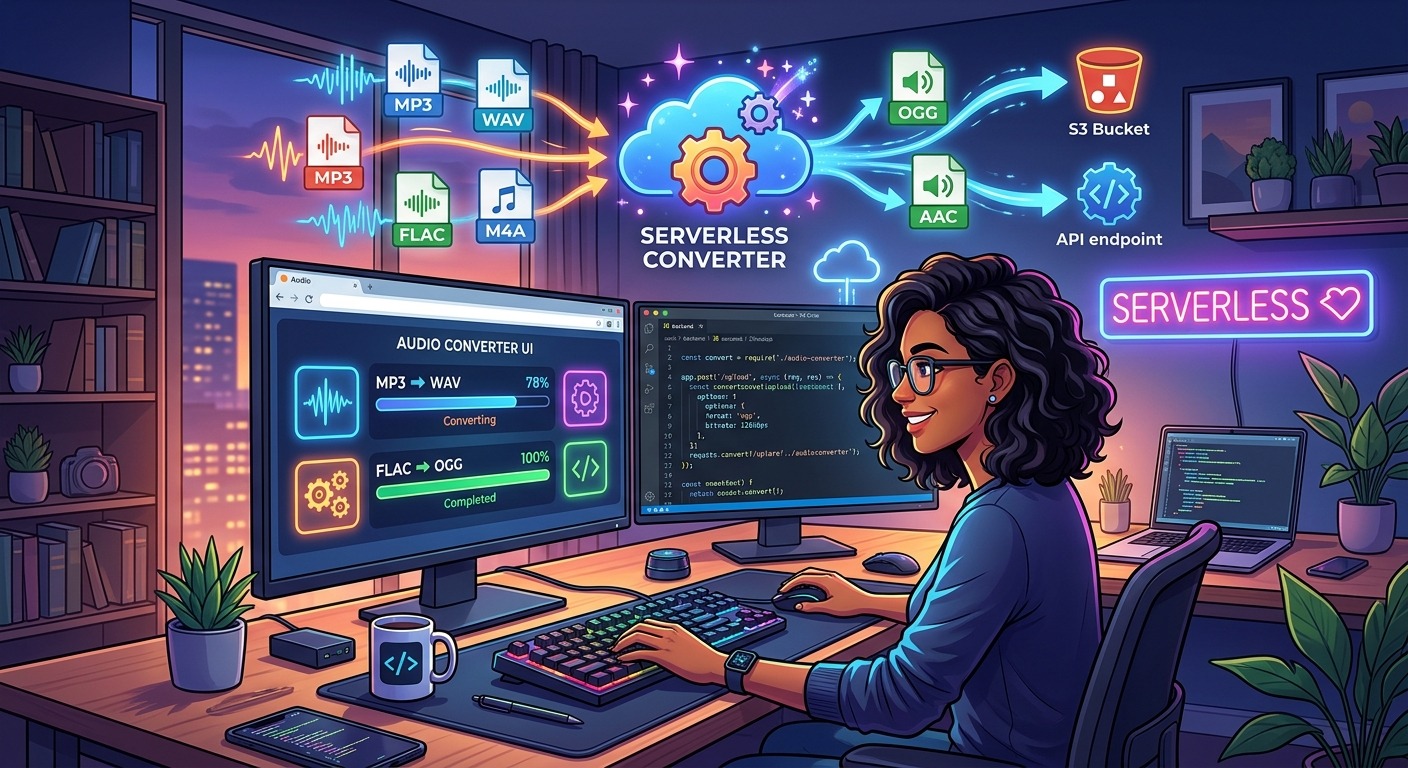
You get a ticket. It says something like “users need to upload audio clips and we’ll serve them as MP3.” Your brain immediately jumps to FFmpeg. You open a terminal. Twenty minutes later you’re reading about libavcodec build flags on a Stack Overflow thread from 2017 and wondering how a simple requirement turned into an afternoon. Sound familiar? The infrastructure reflex is strong in software development. It’s the instinct to reach for the most powerful tool the moment a problem even hints at being complex. Sometimes that instinct is right. For audio conversion in prototypes, internal tools, and low-volume upload features, it very often isn’t.
What This Article Covers
- FFmpeg and managed transcoding services carry hidden setup costs that are rarely justified for low-volume use cases
- A REST API call can replace an entire transcoding pipeline for audio previews, podcast uploads, and CI test fixtures
- Three concrete scenarios show exactly where the API approach cuts overhead without sacrificing reliability
- MP3, WAV, and AAC handling is achievable without provisioning a server, managing codec dependencies, or writing shell wrappers
- Choosing the proportionate tool frees engineering time for the actual product rather than its supporting infrastructure
The Infrastructure Reflex and Why It Fires So Easily
FFmpeg is genuinely impressive software. It handles virtually every audio and video format in existence, runs on every platform, and costs nothing to license. Those qualities make it the default answer to almost any media processing question online. Ask how to convert a WAV to MP3 on any developer forum and the first reply will have an FFmpeg command. That’s fine when FFmpeg is actually the right tool. The problem is that FFmpeg answers become the template even when the context doesn’t warrant them.
The same pattern holds for managed cloud transcoding services. AWS Elastic Transcoder, Google Cloud Transcoder, and similar offerings solve real problems for teams running high-volume video pipelines or needing guaranteed SLA performance. For a developer building a content editor prototype that needs MP3 previews, spinning up a cloud transcoding pipeline is the equivalent of renting a warehouse to store a bicycle. The service exists, it works, and you will spend a significant chunk of your sprint writing IAM policies and storage event triggers before a single file gets converted.
This isn’t about FFmpeg being bad or cloud services being wasteful in all contexts. It’s about recognizing that the infrastructure burden has a cost that compounds quietly. Server provisioning, codec dependency management, version pinning across environments, ongoing maintenance: none of it shows up on the ticket, but it shows up in your sprint velocity and in the cognitive load your team carries around a feature that should have been trivial.
What “Overhead” Actually Looks Like Across Environments
To get specific: running FFmpeg reliably in production typically means a server or container with FFmpeg installed at a pinned version, that version matched across development, staging, and production. If you’re using Docker, you write a Dockerfile layer that installs FFmpeg, which adds image size and build time. You write a wrapper in Python or Node that shells out to the FFmpeg process, parses its stderr output (because it doesn’t use stdout for progress), and handles the cases where it exits non-zero. You test that wrapper. You monitor the process in production. You deal with the time someone upgraded the base image and the FFmpeg version quietly changed, and now your bitrate flag behaves differently in staging than it did last week.
None of that is impossible. Experienced engineers do it routinely. But none of it is the feature, either. It’s the infrastructure around the feature. For a prototype, a side project, or a low-volume internal tool, that infrastructure is pure overhead with zero user-facing return.
The IETF standard for the audio/mpeg content type has been stable for decades. The conversion problem itself is solved at the format level. What remains for most teams is purely an integration question, not an infrastructure design question.
Three Scenarios Where a REST API Changes the Math
Audio Previews in a Content Editor
Consider a content management system for a media company. Editors upload raw WAV recordings and the system needs to serve lightweight MP3 previews in the browser while the full file sits in cold storage. The previews might be 64kbps, trimmed to 90 seconds: just enough for an editor to confirm they uploaded the right file.
The instinctive implementation spins up a transcoding worker, writes a job queue, hooks it to a storage event, and deploys a separate service. The proportionate implementation for a feature with this usage pattern sends the file to a REST endpoint and gets an MP3 back. One HTTP request. No worker process, no queue, no deployment artifact, no separate monitoring surface. The preview is generated when the upload happens and the editor sees it seconds later. You write this in an afternoon rather than a sprint.
Podcast Upload Normalization in a Side Project
Side projects are where the infrastructure reflex causes the most damage, because side projects die from friction. Imagine building a podcast hosting tool for a small community. Contributors upload recordings in whatever format their software exports: M4A, FLAC, AIFF, sometimes WAV. The player expects MP3. Everything needs normalization to a consistent format and bitrate before serving.
Reaching for FFmpeg here means maintaining a server on a project with no budget. You either pay for a VPS you didn’t want to manage, or you try to run conversion on a serverless function and immediately hit execution time limits for longer recordings. The REST API path means your upload handler calls an endpoint, gets the converted file back, and stores it. The entire normalization step becomes two dozen lines of code. Your side project stays alive because it doesn’t require babysitting a server between feature updates.
Format Validation in CI Test Fixtures
This scenario is less obvious but equally compelling. A test suite that validates audio upload behavior needs fixture files in specific formats and at specific bitrates to test validation logic, error handling, and codec detection code. Generating those fixtures manually is tedious. Keeping them in your repository adds binary bloat to every clone. Generating them from FFmpeg in your CI pipeline means installing FFmpeg in your CI environment, modifying your pipeline config, potentially extending your build image, and adding a setup step that can fail in ways completely unrelated to your actual code.
A cleaner approach generates test fixtures on demand from a source WAV file by calling a conversion endpoint at the start of the test run. The fixtures are always fresh, always correct, and your CI environment stays lean. A dedicated audio conversion API handles exactly this kind of programmatic, on-demand conversion without any server-side setup on your end. One POST request with the source file and target format returns exactly the fixture you need.
Setup Investment: REST API vs. Self-Hosted Transcoding vs. Managed Cloud
| Factor | REST API | Self-Hosted FFmpeg | Managed Cloud Service |
|---|---|---|---|
| Initial setup time | Minutes | Hours to days | Days to a week |
| Server provisioning | None | Required | Managed, but configured |
| Codec dependency management | None | Manual version pinning | Abstracted but limited |
| CI environment impact | Minimal (HTTP client only) | Requires FFmpeg install step | Requires SDK and auth config |
| Ongoing maintenance burden | None | Ongoing | Moderate |
| Best fit for | Prototypes, side projects, internal tools | High-volume, latency-critical pipelines | Enterprise video at scale |
What the Integration Actually Looks Like in Code
Part of the appeal of a REST-based approach is that the integration is readable by anyone on your team, not just whoever originally set up the transcoding pipeline. A call to a conversion endpoint looks the same in Python, Node, Go, or Ruby. You open a file, POST it with the target format specified, and write the response bytes to your output path. There is no subprocess, no stderr parsing, no exit code handling. Error handling is standard HTTP status codes. Retry logic is standard HTTP retry logic. It fits naturally into any HTTP client you’re already using.
For the content editor scenario described earlier, the conversion call can sit directly in the upload handler with no abstraction layer required. It’s not a separate service. It’s not a background job. It’s an HTTP call in the same request lifecycle as the upload itself, and for files under a few minutes long, the latency is entirely acceptable for an editor preview workflow. The whole thing is readable, testable, and deployable without touching your infrastructure config.
When FFmpeg Is Actually the Right Call
Fairness matters here. There are absolutely scenarios where running your own FFmpeg deployment makes sense. If you’re processing thousands of files per hour, the per-request cost of an external API will exceed the cost of running your own transcoding workers and the tradeoff tips in favor of self-hosting. If you’re doing complex multi-stream processing, frame-level manipulations, or custom codec configurations that no off-the-shelf API exposes, you need the full control that FFmpeg provides. If your data cannot leave your infrastructure for compliance or regulatory reasons, a third-party API is not viable regardless of convenience.
The table above tries to capture the question of fit. A tool perfectly suited to high-volume enterprise video processing is not automatically the right tool for a feature that will handle fifty uploads a month. Choosing the heavyweight option because it’s familiar is not engineering rigor. It’s a category error that costs sprint time and adds maintenance surface to your system permanently.
The Server You Never Provisioned Is the Best Kind
The next time a ticket arrives involving audio conversion, before planning any transcoding architecture, ask a simple question: what is the actual volume of conversion requests this feature will generate? If the answer is “low,” “occasional,” or “I don’t know yet because this is a prototype,” you almost certainly don’t need a server. You need an HTTP client.
The instinct to provision infrastructure is hard to shake, especially for engineers who have been burned by systems that couldn’t scale when demand arrived. But the opposite failure mode, over-engineering for scale that never comes, is just as real and considerably more common for internal tools and side projects. The server you never spin up can’t go down. The codec dependency you never pin can’t drift between environments. The CI step you never write can’t break your build on a Friday afternoon.
Audio conversion is a problem that has been solved for a long time. The only remaining question is how much infrastructure you want to carry in order to access the solution. For prototypes, side projects, and low-volume upload features, a single REST call is almost always the proportionate answer. It lets you stay focused on the product you’re actually building rather than the plumbing underneath it.