alexander
- November 6, 2026
- 0 Comments
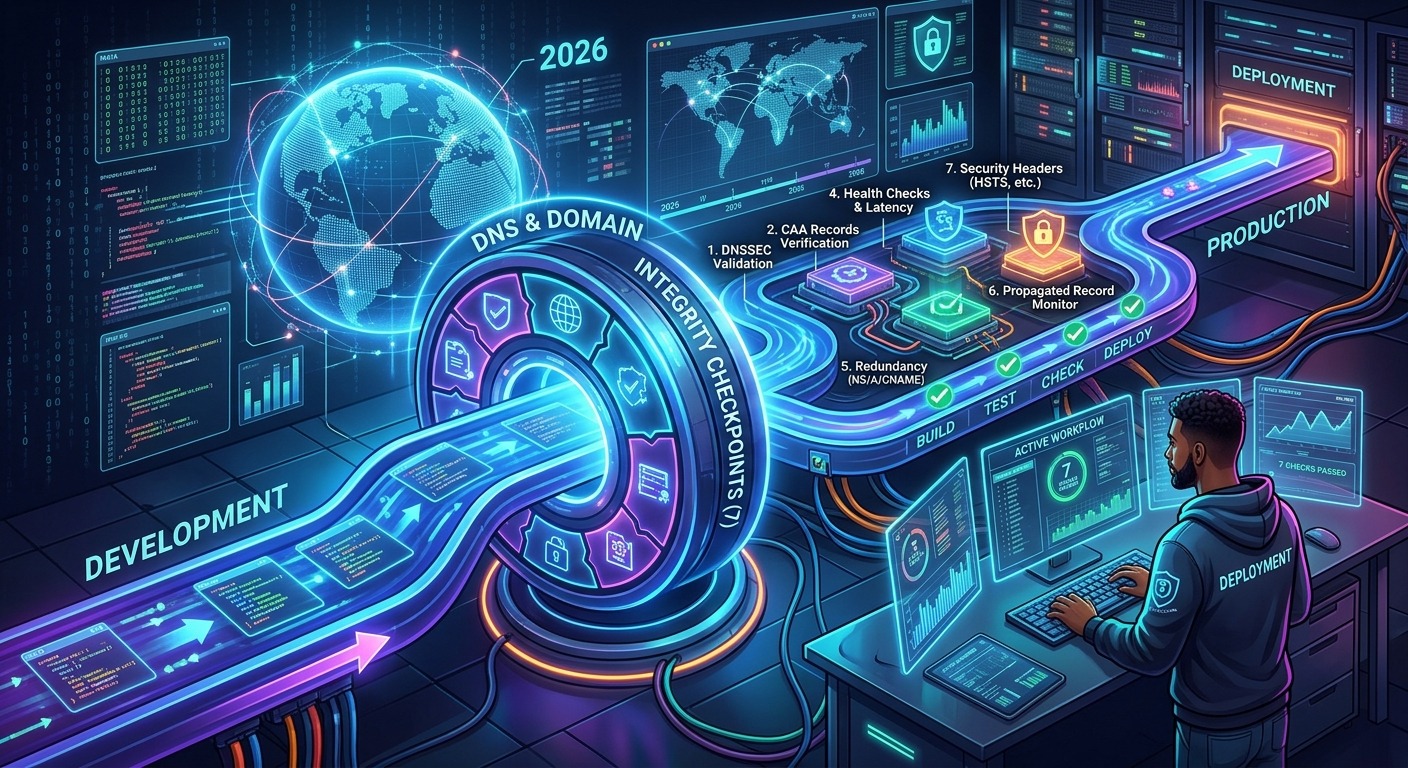
7 Domain and DNS Checks to Add to Your Deployment Workflow in 2026
Add seven automated domain and DNS checks to CI/CD to catch ownership gaps, expiration risks, broken records, and TLS failures before users do.
alexanderAdd seven automated domain and DNS checks to CI/CD to catch ownership gaps, expiration risks, broken records, and TLS failures before users do.
 alexander
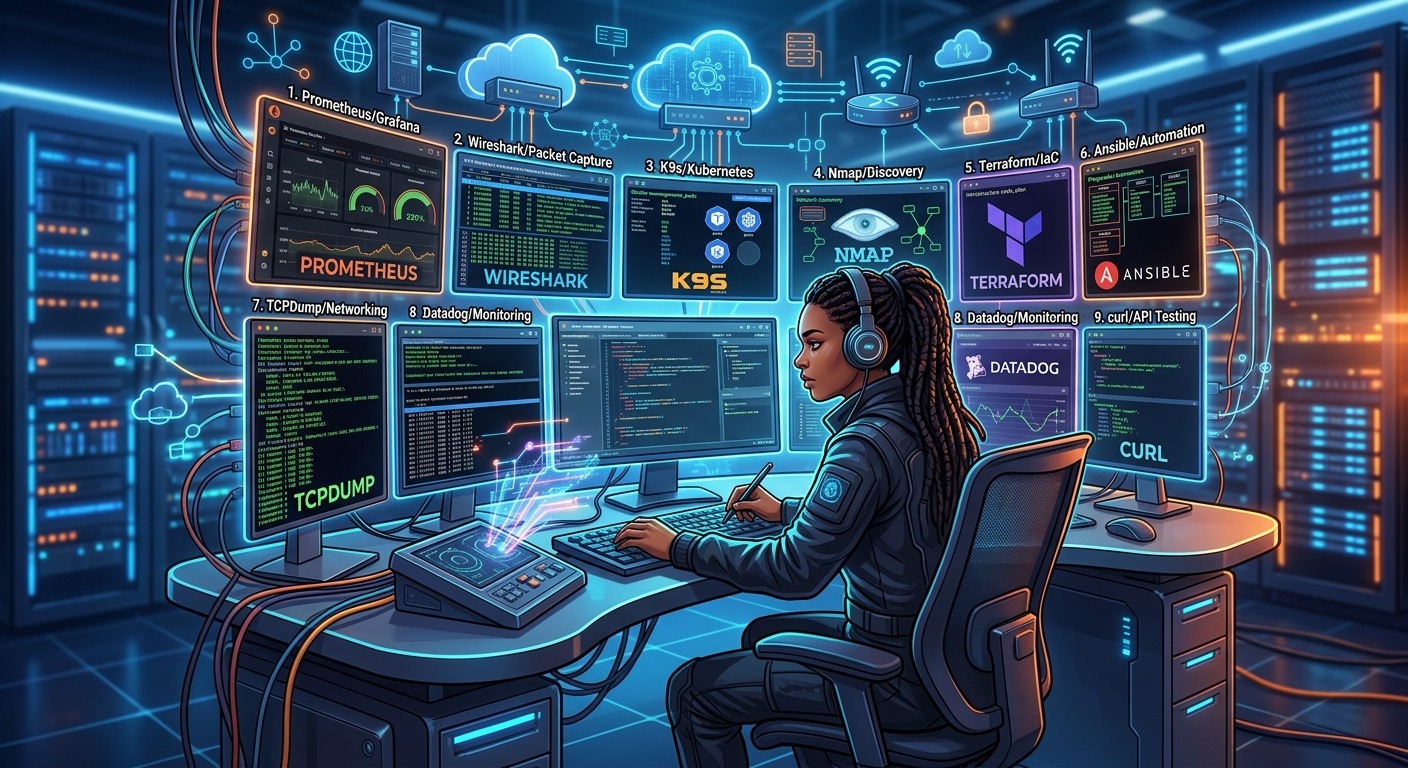
Nine networking tools DevOps engineers actually use in 2026, from Docker inspection and tcpdump to CIDR subnet planning and Kubernetes debugging.
 alexander
Your application is only as safe as the packages it depends on. That statement has never been more true than it is in 2026. With high profile supply chain attacks making headlines every few months, se…
 alexander
You are on a road trip and an idea for a side project hits you. Your laptop is buried in a bag, but your iPad is right there. Or maybe you own a Chromebook that is great for browsing but chokes when y…
 alexander
You have a production bug. The error logs are useless. You add a console.log, redeploy, wait, and still see nothing helpful. Then you add another log. Then another. Hours later, you find the culprit w…
 alexander
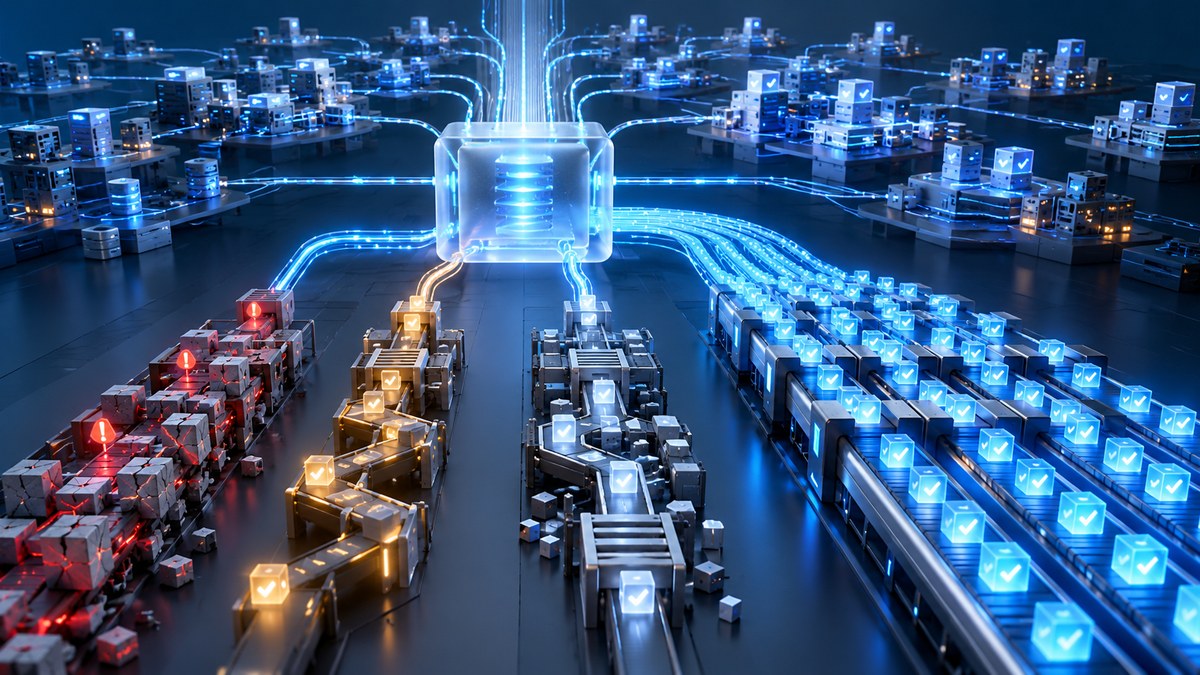
Your team has grown from three engineers to thirty. Your monolith is now a constellation of microservices. The test suite that used to run in four minutes now takes forty five. You are staring at a te…
 alexander
Your `docker-compose up` command used to feel like a victory lap. Now it feels like a coffee break. You type the command, walk away, and come back to a terminal that’s still churning through dependenc…
 alexander
You open your IDE every morning. You have a ticket to fix, a feature to build, or a bug to squash. But before you write a single line of code, you reach for the mouse. You click the file tree. You scr…
 alexander
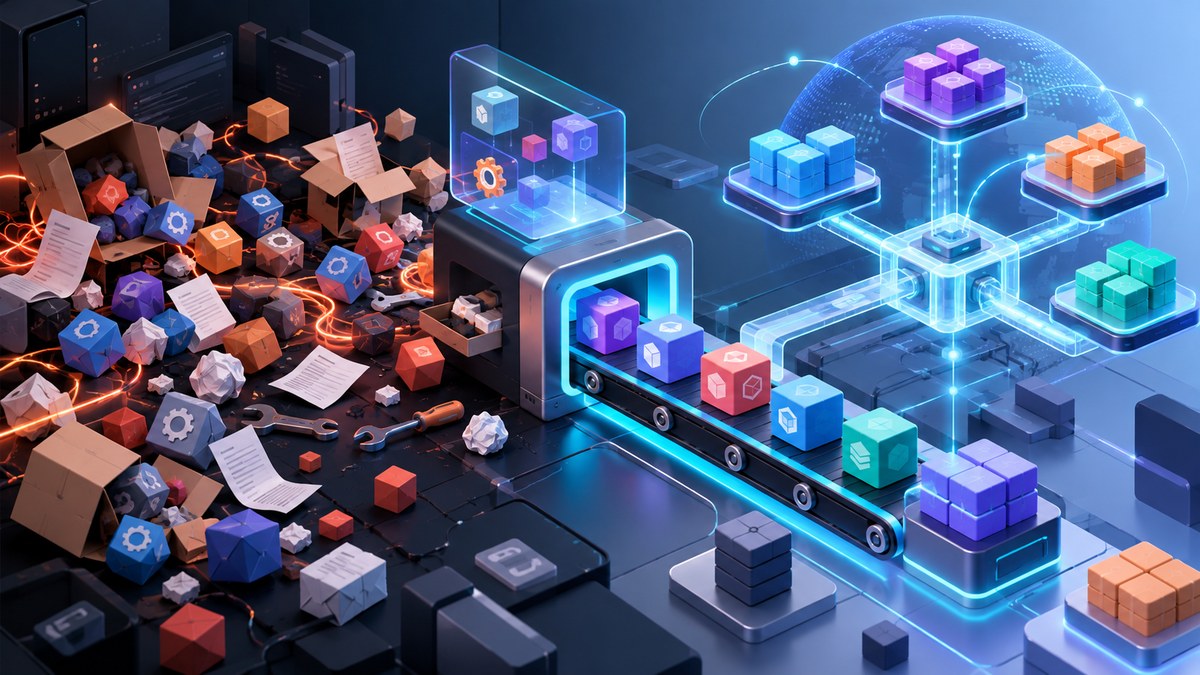
You know the feeling. You clone a repo, run `npm install`, and then you wait. You wait for the spinner to stop. You wait for the disk to fill up with another copy of `lodash`. You wait for your CI pip…
 alexander
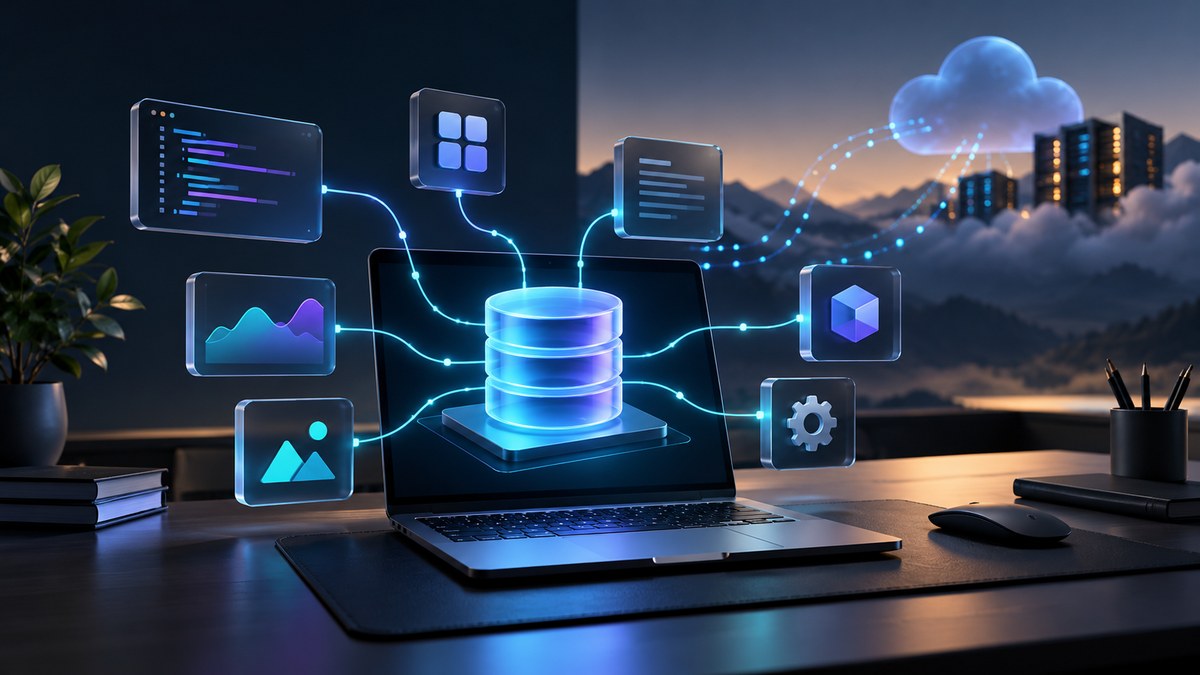
You are staring at two paths for your next project. One path leads to a cloud database where your data lives on a remote server, always reachable, always online. The other path leads to a local-first …