alexander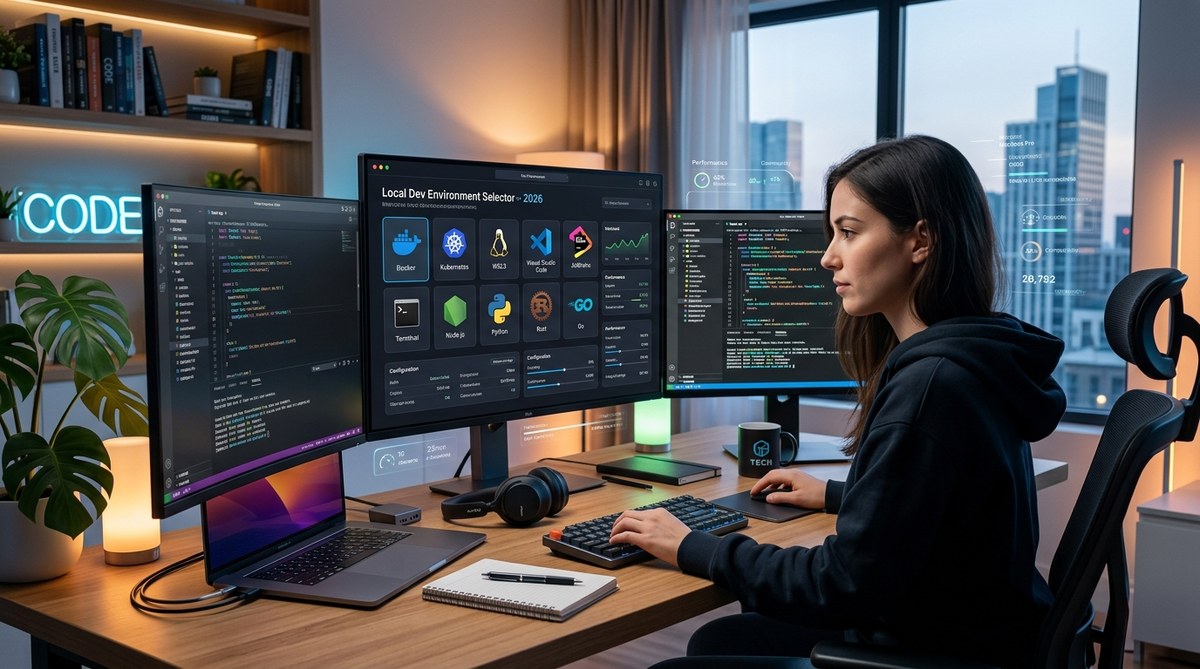
A local development environment is the foundation of your daily work as a developer. Get it right, and everything from debugging to deploying feels smoother. Get it wrong, and you will spend afternoons fighting configuration drift or the classic “works on my machine” problem. The landscape has shifted in 2026. Containerization is the default, not the exception. AI assistants are part of the toolchain. And the choice between a fully local setup and a cloud hosted environment is more nuanced than ever. This guide walks through the options so you can pick the right setup for your team and your projects.
Your local dev environment in 2026 should prioritize reproducibility and speed. Docker Compose remains the standard for container orchestration, but tools like Devbox and Nix offer declarative, language agnostic setups. Evaluate your team size, project complexity, and need for parity with production before choosing. A hybrid approach often works best.
Why Your Local Setup Deserves a Fresh Look in 2026
The tools we use to write code have matured. In 2023, many teams still relied on manual dependency management or a shared VM image that went stale after two weeks. By 2026, that approach feels like using a flip phone for app development. Modern teams expect a setup that can be replicated in seconds, not hours.
AI coding assistants now run locally on many machines, thanks to improvements in model compression and hardware. This adds a new layer to your environment: you need GPU support or at least a capable CPU for local inference. If you are still using a bare metal setup with manually installed runtimes, you are missing out on the consistency that tools like Docker or Nix provide.
We also see more teams adopting a “works anywhere” philosophy. A developer on a MacBook should be able to push a branch and have a teammate on Windows or Linux build the same project without friction. This is the bar for a good local development environment in 2026.
The Core Components of a Modern Local Development Environment
Before we compare specific tools, let us break down what a complete environment actually includes. Think of it as a stack of layers:
- Runtime managers like asdf or mise that handle multiple versions of Node, Python, Ruby, or Go.
- Containerization via Docker or Podman to isolate services such as databases, caches, and message queues.
- Package managers such as pip, npm, or cargo, but wrapped inside a reproducible shell.
- Editor and plugins including VS Code, Neovim, or JetBrains with extensions for linting, formatting, and AI assistance.
- Task runners like Make, Task, or Just to standardize commands across the team.
- Secret management tools such as Doppler or sops to avoid hardcoding credentials.
Each layer has multiple options. The goal is to choose ones that work together without friction.
Comparing the Top Approaches for 2026
There is no single best setup. Your choice depends on whether you work solo, on a small team, or inside a large organization. Here is a breakdown of the most common approaches this year.
1. Docker Compose with Dev Containers
This remains the most popular choice for teams that want consistency. You define your services in a docker-compose.yml file, and each developer runs docker compose up. The VS Code Dev Containers extension takes this further by running your entire editor inside the container.
Pros: High parity with production. Easy onboarding. Works on any OS.
Cons: Slower startup time. Requires Docker Desktop or a Linux VM on macOS. Can consume significant disk space.
2. Devbox with Nix Under the Hood
Devbox has gained traction because it offers a shell based environment without needing to learn the Nix language. It uses Nix packages but provides a simpler CLI. You define a devbox.json file, and it installs everything into an isolated shell.
Pros: Language agnostic. No Docker overhead. Fast to switch between projects.
Cons: Smaller community than Docker. Some packages may not be available. Requires Nix to be installed on the host.
3. Nix Flakes for the Declarative Purists
Nix has a steep learning curve, but its proponents love the deterministic builds. A flake.nix file can pin every dependency to a specific hash. This approach is ideal for monorepos or teams that need exact reproducibility across CI and local machines.
Pros: Unmatched reproducibility. Can manage system level tools and user level configs.
Cons: Steep learning curve. Documentation can be dense. Overkill for simple projects.
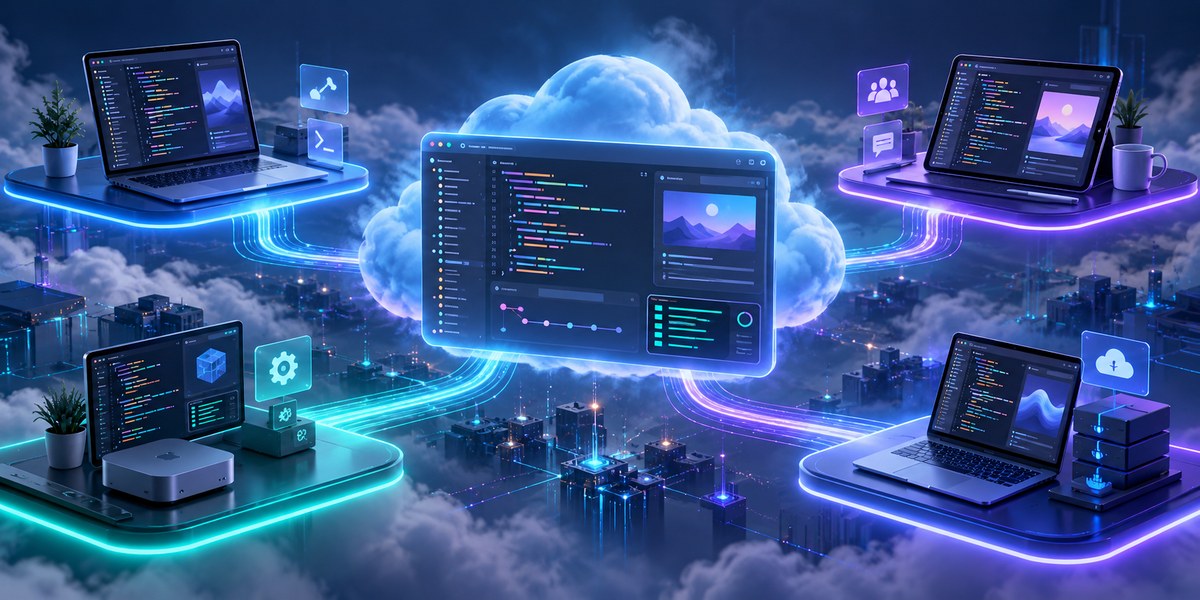
4. Cloud Hosted Development Environments
Services like GitHub Codespaces, Gitpod, and Coder offer browser based or SSH based environments. You connect to a remote machine that has everything preconfigured. This is popular for teams that rotate between laptops or need powerful hardware for AI workloads.
Pros: No local setup required. Consistent hardware specs. Great for pair programming.
Cons: Monthly costs add up. Latency can be noticeable. Limited offline capability.
A Practical Decision Table
Use this table to compare the approaches side by side.
| Approach | Setup Time | Reproducibility | Offline Use | Learning Curve | Best For |
|---|---|---|---|---|---|
| Docker Compose | Moderate | High | Yes | Low | Teams of any size needing parity with production |
| Devbox | Low | High | Yes | Low | Solo devs or small teams wanting simplicity |
| Nix Flakes | High | Very High | Yes | High | Monorepos or teams needing exact pinning |
| Cloud Environment | None | High | No | Low | Teams with variable hardware or AI workloads |
Common Mistakes and How to Avoid Them
Even experienced developers fall into these traps. Here are the most frequent ones and how to fix them.
- Committing your local state. Never commit database dumps or
.envfiles. Use seed scripts and environment variable templates instead. - Ignoring platform differences. A
Dockerfilethat works on Linux may fail on macOS if it usesapt-getwithout checking the architecture. Always test on the platforms your team uses. - Overcomplicating the setup. You do not need a full Kubernetes cluster for a simple CRUD app. Start with Docker Compose and add complexity only when you need it.
- Forgetting about CI parity. Your local environment should mirror your CI pipeline as closely as possible. If CI uses Ubuntu 22.04, your local Docker image should too.
- Neglecting secrets management. Hardcoding API keys in a config file is a security risk. Use a secrets manager or environment variables from day one.
Expert advice from a senior DevOps engineer: “The best local environment is the one your team will actually use. I have seen teams spend three weeks perfecting a Nix flake only to have everyone fall back to manual installs because the learning curve was too high. Start with something simple like Docker Compose, then iterate.”
A Step by Step Process to Set Up Your Environment
Follow these steps to build a reproducible local development environment.
- Assess your project needs. List all runtimes, databases, and services your application requires. Write them down in a single file.
- Choose a containerization tool. Start with Docker Compose if you are unsure. It handles 90 percent of use cases well.
- Define your services. Create a
docker-compose.ymlwith your database, cache, and any background workers. Use official images pinned to specific versions. - Add a development Dockerfile. This image should include your runtime and any build tools. Keep it lean. Use multi stage builds if you need a production image later.
- Create a task file. Use a
MakefileorTaskfile.ymlto standardize commands likemake start,make test, andmake lint. This helps new team members get going without reading a wiki. - Integrate with your editor. If you use VS Code, add a
.devcontainer/devcontainer.jsonfile. This lets the editor automatically mount your project and install extensions inside the container. - Test the setup on a clean machine. Clone your repo onto a fresh laptop or a virtual machine. Run your setup commands. If anything fails, fix it before sharing with the team.
When to Consider a Hybrid Approach
You do not have to pick just one. Many teams in 2026 use a hybrid model. They run Docker Compose locally for services like Postgres and Redis, but use a cloud environment for the application server when they need extra horsepower. This gives you the speed of local editing with the power of a remote machine.
For example, you can edit code in VS Code locally but run the server on a Codespace. The editor connects to the remote environment via SSH. This setup is especially useful for machine learning projects where you need a GPU. You can read more about this in our guide on AI coding assistants that are actually worth it for developers in 2026.
Another common hybrid is to use Devbox for runtime management but Docker for services. Devbox handles your Node or Python version, while Docker runs your database. This avoids the overhead of running your entire editor inside a container while still isolating services.
The Role of AI Assistants in Your Local Setup
AI code assistants like GitHub Copilot and Cursor have become standard in 2026. They require either a cloud API connection or a local model. If you choose a local model, ensure your environment includes the necessary GPU drivers and model files. This adds another layer to your setup.
Some teams include the AI assistant configuration in their dev environment definition. For example, a devcontainer.json can specify which extensions to install, including the AI plugin. This ensures every developer has the same assistance out of the box. Check out our list of 10 must-have dev tools to supercharge your 2026 workflow for more recommendations.
Building an Environment That Grows With You
A local development environment is not a one time project. It evolves as your application grows and as new tools appear. Review your setup every quarter. Ask yourself: is the onboarding time still under 15 minutes? Are developers still fighting with dependency conflicts? If yes, it is time to adjust.
Start with the simplest setup that meets your needs. For most teams in 2026, that means Docker Compose with a task runner and a secrets manager. As you gain confidence, experiment with Devbox or Nix. The goal is to spend less time configuring and more time building.
Begin today by auditing your current environment. Write down every manual step you take to get a project running. Then automate one of those steps. Repeat next week. Within a month, you will have a setup that feels effortless.
“`