alexander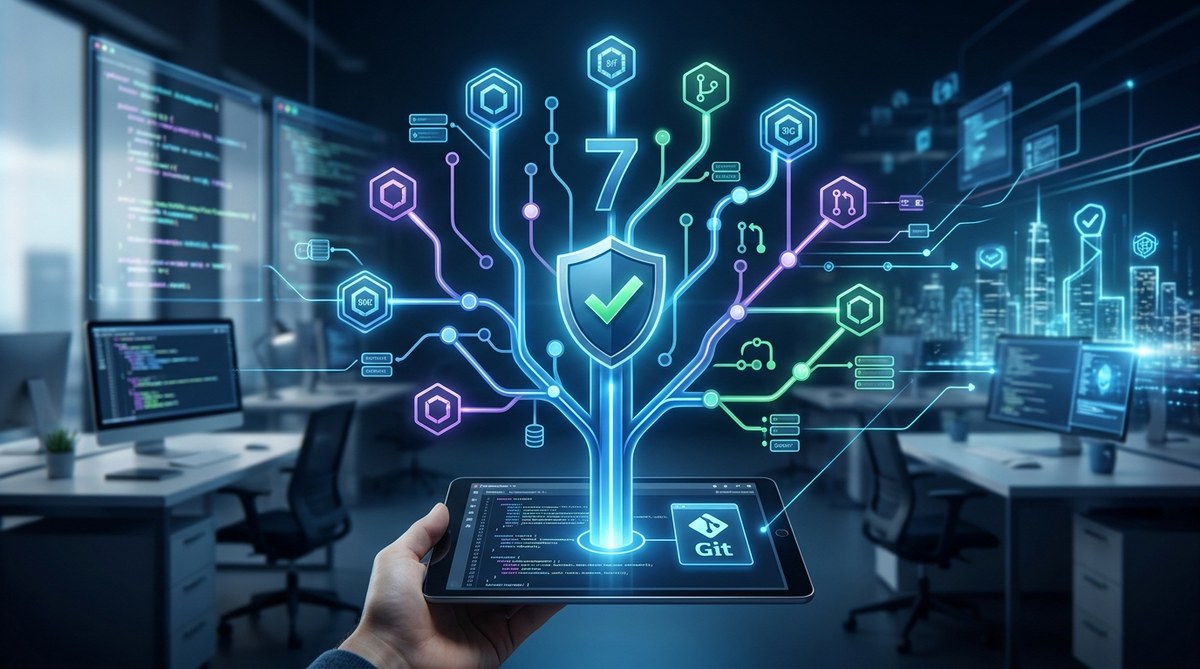
You are a senior engineer. You have felt that cold spike of panic when git push --force goes wrong. Or when a merge conflict turns into a three day nightmare. Losing code is not a rookie mistake. It happens to experienced teams running on tight CI/CD pipelines. The good news? The right version control strategies for 2026 can make those moments rare, and when something does break, recovery takes minutes instead of hours.
Modern version control is about prevention, not just backup. In 2026, the best teams combine trunk based development with protected branches, automated merge gates, and signed commits. They treat their `.gitignore` files as living documents and use ephemeral environments to test merges before they hit the main branch. This guide gives you seven strategies to stop losing code for good.
Why Your Current Workflow Is a Risk
Many teams still treat version control like a cloud drive. They commit rarely, merge through a GUI, and hope for the best. That approach worked when teams shipped once a month. In 2026, with deployments happening multiple times a day, it is a liability.
The core problem is not the tool. Git is powerful. The problem is process. Without clear rules, even good developers create chaos. You need a framework that accounts for speed, safety, and team size. Let us walk through the seven strategies that will change how your team handles code.
The Seven Strategies That Prevent Disaster
1. Adopt Trunk Based Development With Short Lived Branches
Long running feature branches are the leading cause of merge pain. When a branch lives for more than a day or two, it drifts away from the main line. By the time you try to merge, the diff is huge and conflicts are guaranteed.
Trunk based development changes this. Everyone works on small, focused branches that last less than 48 hours. You merge back to main multiple times a day. This keeps diffs small and conflicts manageable. For 2026, this is the baseline. If your team still uses Git Flow with long lived develop branches, you are inviting disaster.
2. Enforce Protected Branches With Automated Gates
A protected branch is not just a setting. It is a contract. Before anyone can push to main or release, the system must run checks. These checks include:
- All unit tests pass
- No merge conflicts exist
- Code coverage meets your threshold
- At least one approved review
In 2026, you should also add a security scan and a license compliance check. If any gate fails, the push is rejected. This stops bad code from entering your main line. It also removes the burden of manual enforcement from the lead engineer.
3. Use Signed Commits and Verified Tags
Code integrity is not just about content. It is about authorship. Signed commits using GPG or SSH keys ensure that every commit in your history came from a known person. This prevents spoofed commits and makes your audit trail reliable.
For teams under compliance requirements (SOC 2, HIPAA, or PCI), signed commits are not optional. They are a requirement. Even if you are not regulated, signed commits build trust. They also make it easier to trace a bug to its source without questioning who wrote the code.
4. Automate Merge Conflict Detection Early
Waiting for a merge conflict to appear at pull request time is too late. By then, the developer has already invested hours. The smarter approach is to detect conflicts as they happen.
Tools like GitHub Actions or GitLab CI can run a nightly merge simulation. They attempt to merge every open branch into main and report failures. Some teams even run this on every push to a feature branch. The result is instant feedback. The developer knows within minutes that their branch is about to conflict, not days later.
Here is a table that shows common conflict patterns and how to handle them:
| Conflict Type | Common Cause | Best Prevention |
|---|---|---|
| Merge conflict in business logic | Two devs editing the same file | Short branches, frequent sync |
| Dependency version conflict | Different branches updating the same package | Use a lock file, run npm audit or pip freeze before merge |
| Configuration drift | Environment variables changed on main | Keep configs in a separate repo or use feature flags |
| Binary file conflict | Auto generated assets (images, compiled files) | Exclude binaries from version control, use artifact storage |
5. Keep Your .gitignore Clean and Enforced
A messy .gitignore is a silent disaster. When generated files, credentials, or large binaries sneak into the repo, they cause bloat and security risks. Worse, once a file is tracked, removing it from history is painful.
In 2026, treat your .gitignore as a living document. Review it every sprint. Use a global .gitignore for your operating system (macOS .DS_Store files, for example). Then enforce it with a pre commit hook that blocks commits containing files that should be ignored.
6. Implement a Consistent Branch Naming Convention
This sounds trivial, but naming matters. When branches have random names like fix or update, no one knows what they contain. This leads to confusion during code review and deployment.
Adopt a convention that includes the ticket number and a short description. For example:
feature/PROJ-123-add-login-pagebugfix/PROJ-456-fix-null-pointerhotfix/PROJ-789-patch-security-issue
This makes it easy to filter branches, automate deployments per ticket, and track work. Many CI/CD systems can parse the branch name to link builds to Jira or Linear tickets automatically.
7. Test Merges in Ephemeral Environments
The final strategy is the most powerful. Instead of merging code into main and hoping staging catches the bugs, create an ephemeral environment for every pull request. This environment is a temporary copy of your infrastructure that runs the proposed merge.
Tools like Docker Compose, Kubernetes namespaces, or cloud preview environments (Vercel, Netlify, or Railway) make this easy. The pull request gets a unique URL. Testers and QA can interact with the full application before the merge happens. If something breaks, it breaks in isolation. No one else is affected.
“The cost of a failed merge in a shared environment is exponential. The cost of a failed merge in an ephemeral environment is zero.” – Sarah Chen, DevOps Lead at a fintech startup
A Practical Checklist for Your Team
If you are a DevOps lead or engineering manager, here is a list of actions you can take this week:
- Set up branch protection rules on your main and release branches
- Add a pre commit hook that checks for large files and secrets
- Create a team wide
.gitignoretemplate and store it in a shared repo - Configure your CI to run a nightly merge simulation
- Require signed commits for all pushes to protected branches
- Adopt a branch naming convention and document it in your contributing guide
These steps do not require a budget. They require discipline. Once they are in place, your team will spend less time fixing conflicts and more time building features.
How to Onboard New Engineers Without Breaking Git
A common fear is that strict version control rules slow down new hires. The opposite is true. When you have clear conventions and automated gates, new engineers know exactly what to do. They do not have to guess the process. They just follow the rules that the CI enforces.
Pair this with a good onboarding document that walks through your branching model. Use a sandbox repo where new hires can practice merging, rebasing, and resolving conflicts. This builds confidence without risking production code.
For more on building a solid foundation, check out our guide on essential dev tools for streamlining your development workflow in 2026. It covers the tools that complement these version control strategies.
Common Mistakes That Still Happen in 2026
Even with the best strategies, teams slip up. Here are the most common mistakes and how to avoid them:
- Merging without a review: No matter how small the change, a second pair of eyes catches things you miss.
- Ignoring the
.gitignore: That one time you commit a.envfile can lead to a security breach. - Using
git reset --hardwithout checking: Always stash or commit your working changes before resetting. - Forgetting to sync before pushing: A simple
git pull --rebasebefore your push prevents half of all merge conflicts. - Committing large files: Anything over 10 MB should go into Git LFS or an artifact store.
Building a Long Term Culture of Code Safety
Version control is not a one time setup. It is a culture. The best teams in 2026 treat their Git history as a source of truth, not a dumping ground. They review their processes quarterly. They adapt as the team grows.
One way to reinforce this culture is through internal tech talks. Let a team member present a case study of a past disaster and how it was solved. Real stories stick better than abstract rules.
For more context on why automation matters, read our article on why integrating a ci/cd pipeline is non negotiable in 2026. It explains how CI/CD ties directly into these version control strategies.
The One Thing You Should Do Right Now
Pick one strategy from this list. Just one. Implement it this week. Do not try to change everything at once. If you have no branch protection, start there. If your .gitignore is a mess, clean it up. Small wins build momentum.
You have the experience to know what works. Trust your instincts. Use these strategies as a framework, not a rigid rulebook. Adapt them to your team size, your stack, and your deployment cadence. The goal is not perfection. The goal is to stop losing code.
Start with the most painful problem on your team. Solve that first. Then move to the next. By the end of 2026, your team will have a version control workflow that feels safe, fast, and predictable.